CAD workflow automation
Replace repetitive modeling, drawing and documentation work with reliable, rules-based tools.
- Parametric model generation
- Drawing and annotation automation
- Batch processing and standards checks

Automate repetitive work, connect engineering data and extend Autodesk platforms with custom applications built for the way your teams design and manufacture.
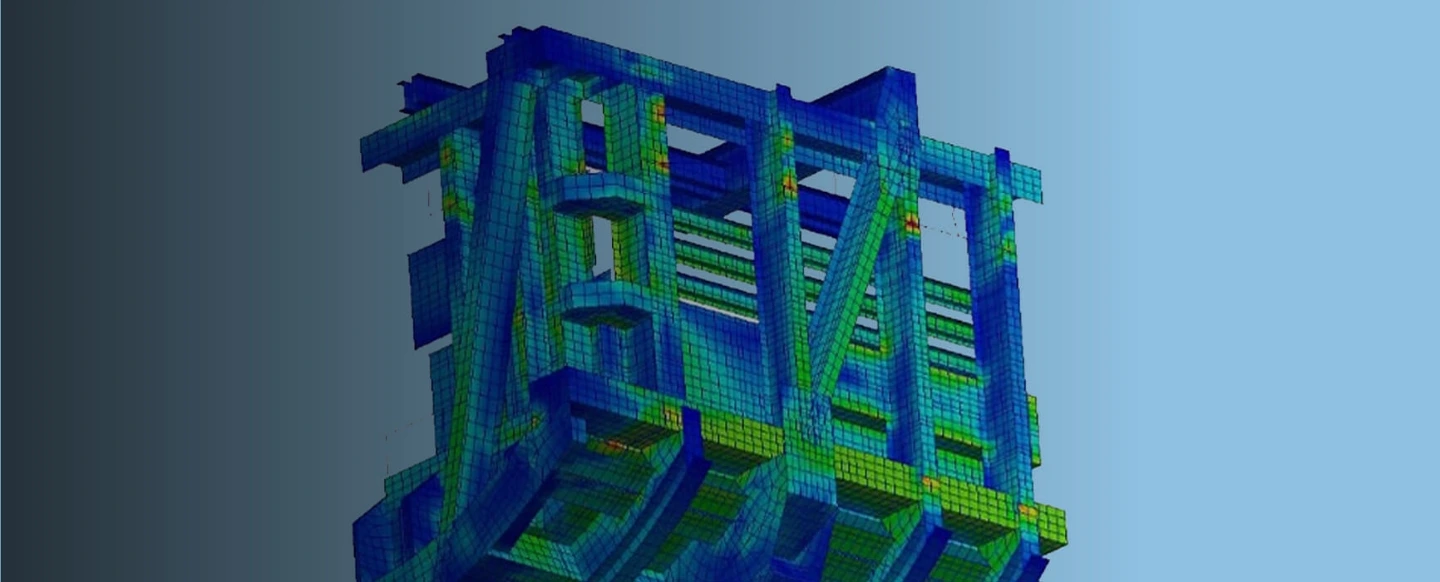
Automate repeatable design and documentation tasks.
Standardize rules, data and engineering outputs.
Move information across CAD, PLM, ERP and the shop floor.
Capture engineering knowledge in reusable tools.
Off-the-shelf design software is powerful, but every engineering organization has distinct products, standards and processes. We combine software engineering with CAD and CAE understanding to create tools that fit the work, not the other way around.
Focused utilities, connected applications and intelligent automation for complex design environments.
Replace repetitive modeling, drawing and documentation work with reliable, rules-based tools.
Embed purpose-built commands and interfaces directly into the engineer’s working environment.
Connect product data and workflows across design, analysis, manufacturing and business systems.
Simplify pre-processing, solve orchestration and post-processing for repeatable analysis.
Turn design rules into guided experiences that produce consistent, manufacturable outputs.
Apply AI where it can accelerate search, interpretation, validation and decision support.
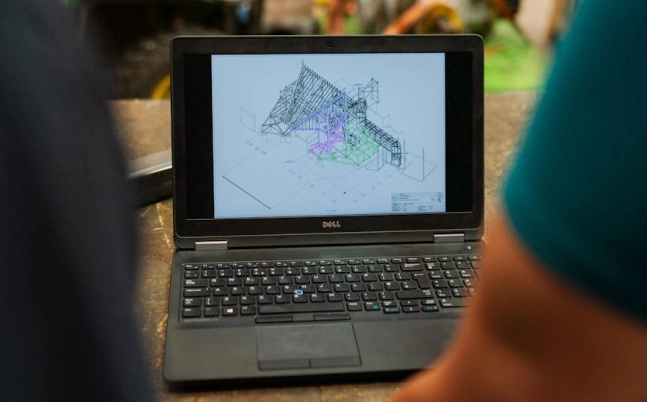
We map the actual workflow before writing code, capturing decision points, exceptions, standards and downstream dependencies.
Understand users, tools, inputs and sources of friction.
Translate engineering knowledge into testable rules and requirements.
Build and integrate tools in focused, validated increments.
Document, deploy, train and improve with user feedback.
We select the right APIs, languages and integration patterns for the product, version and deployment environment.
Start with a specific workflow or create a roadmap across your engineering toolchain.
Identify automation opportunities, integration constraints and a practical implementation path.

Engineer, test and deploy tools that fit your standards, data and user environment.
Maintain compatibility, improve adoption and add valuable capability as needs change.